> ## Documentation Index
> Fetch the complete documentation index at: https://optimism.mintlify.site/llms.txt
> Use this file to discover all available pages before exploring further.
# Redstone Tweaks
> A resource pack made to enhance your redstone experience
> **16x**, **Tweaks**, **Utility**
## ✨ Redstone Tweaks
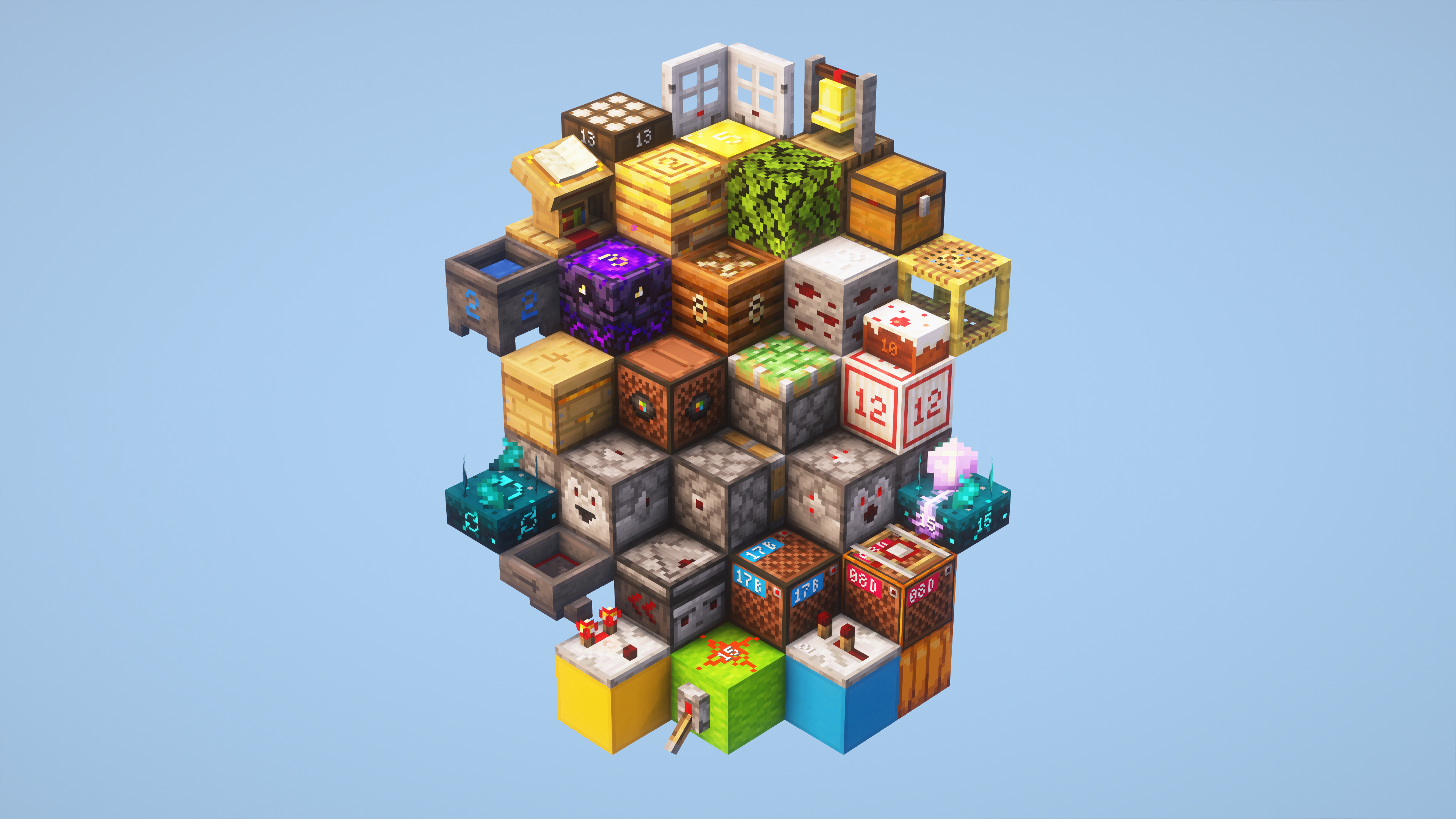
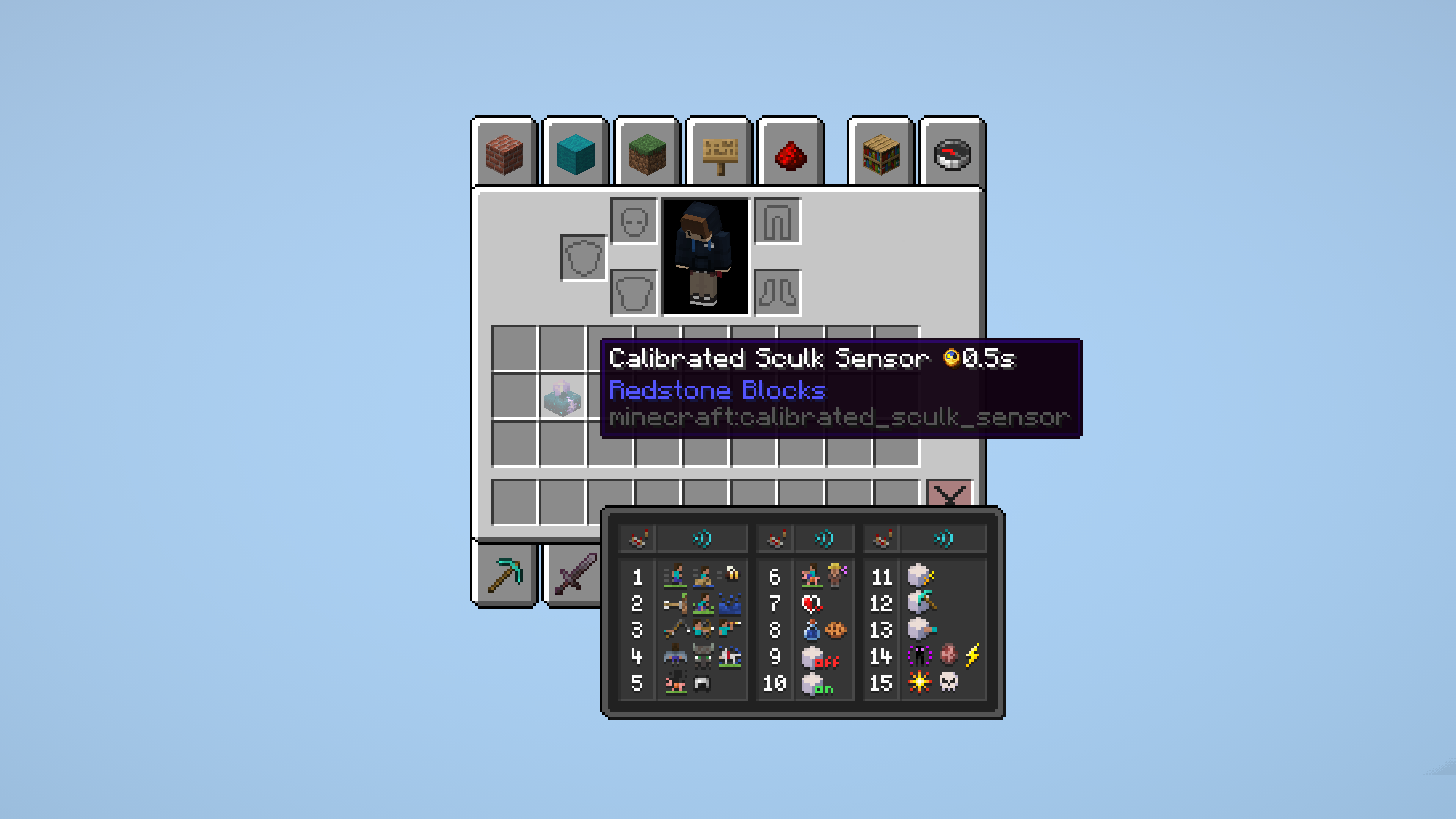
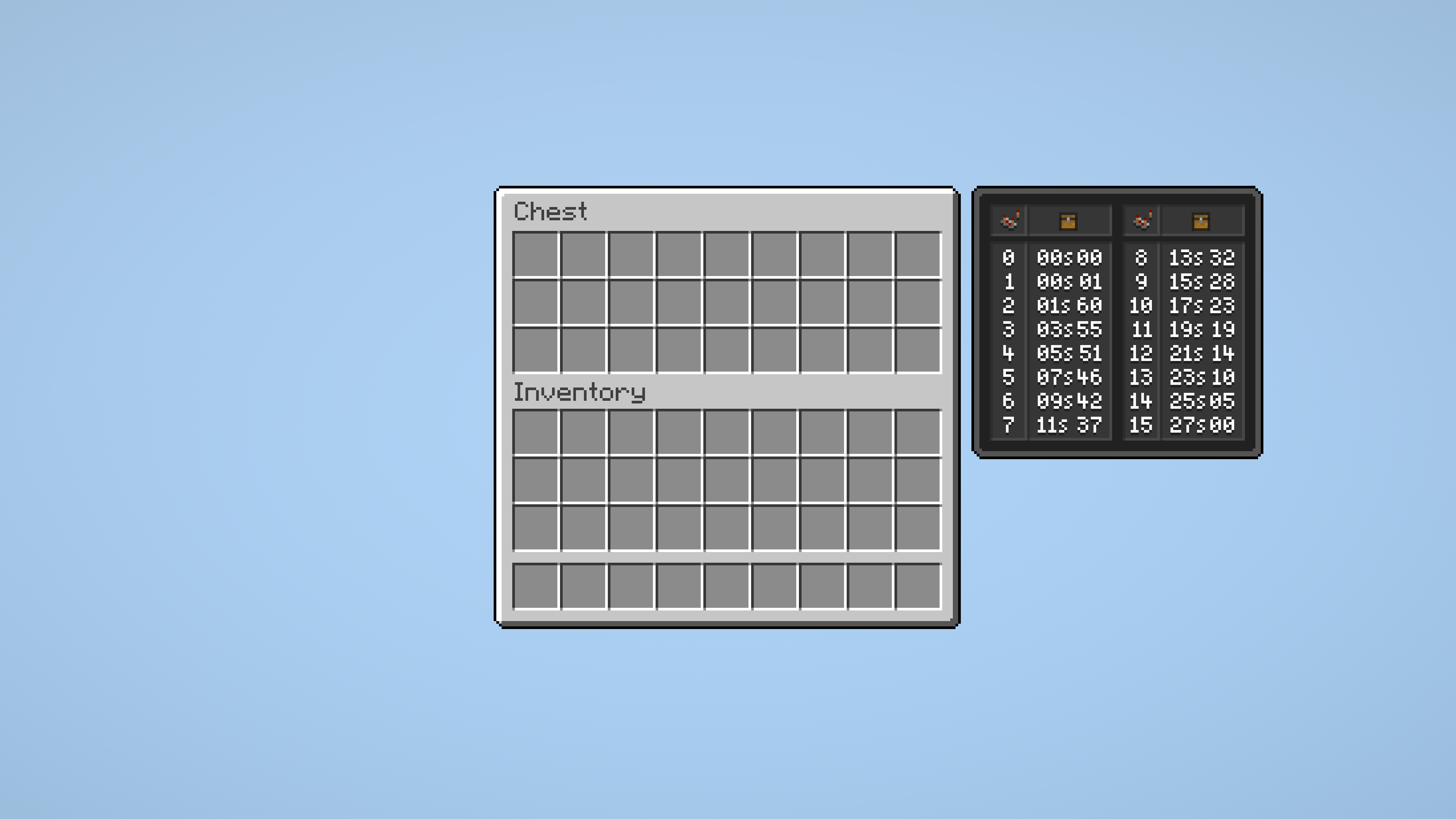
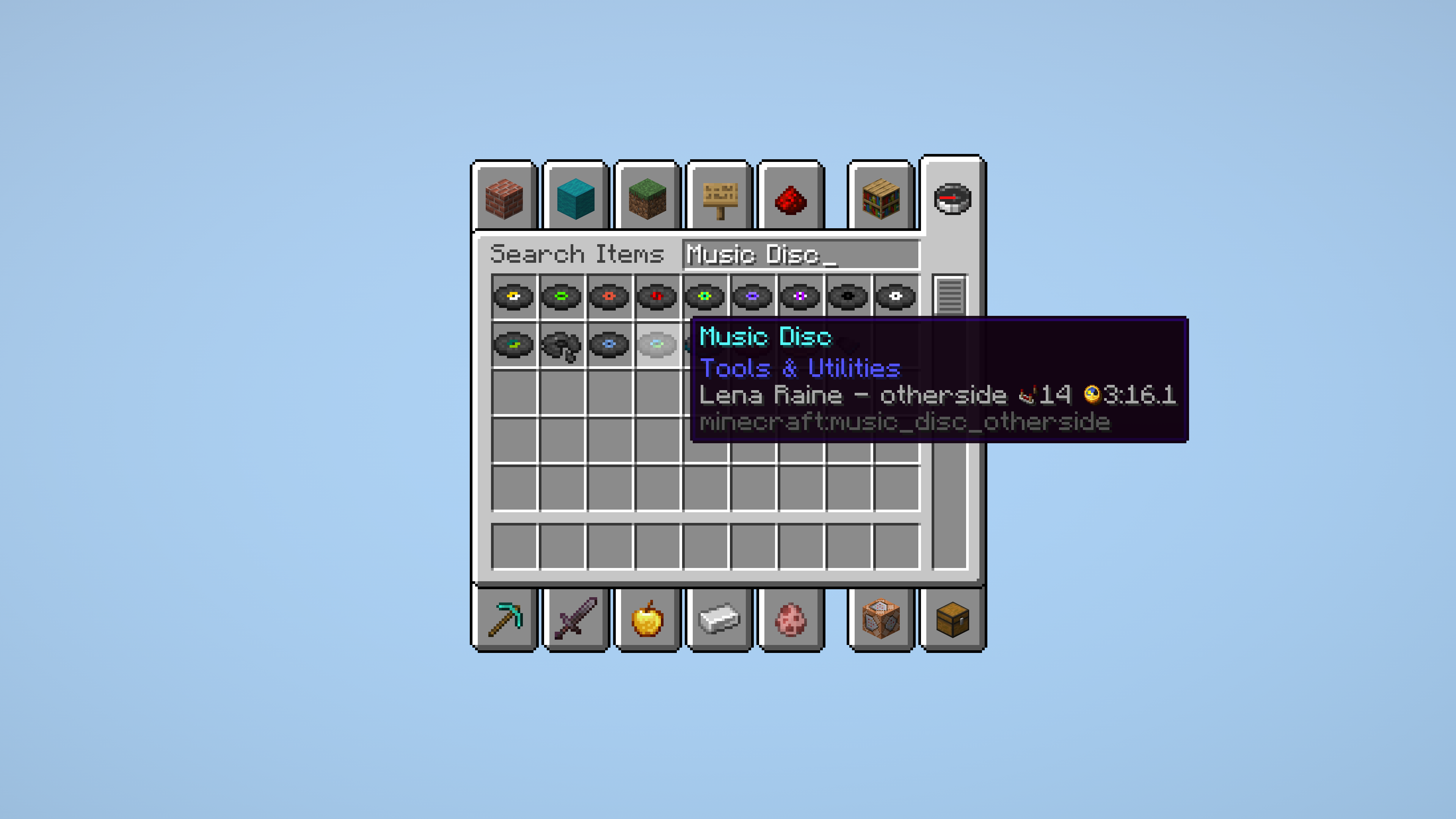
Redstone Tweaks is a vanilla-style resource pack made to improve your redstone experience. It makes several hidden blockstates visible, adds useful charts in inventories and more!
## 🛠️ Customisation
Redstone Tweaks now comes with full [ResPackOpts](https://modrinth.com/mod/respackopts) support, allowing you to toggle features and adjust every little detail to your liking. There's an [explanation video](https://youtu.be/iJObRPuR6Bs) over on my YouTube channel going over all you need to know!
## ⚠️ Important
For technical reasons, some features like signal strength charts only work properly when Minecraft is set to English. Sorry for any inconveniences caused!
## 🙏🏻 Credits & Special Thanks
Redstone Tweaks is a massive project! Naturally, I took some inspiration and used textures, models and blockstate files from other creators. Go check them all out!
* Vanilla Tweaks
* Beatso (Little Improvements: Redstone)
* CreativityShark (Visual Sensors)
* metamilo
* KikuGie (initial ResPackOpts config)
* Kyouju\_Redstone (Mk.2 Redstone)
* Based on original textures by Mojang Studios
* Special thanks to my Discord moderator Junq for helping out with some of the textures!
For more info on individual textures and models, check out the "credits.txt" file within the resource pack.
## 🖼️ Screenshots
$\phantom{invisible}$
$\phantom{invisible}$
$\phantom{invisible}$
# Download Links
Modrinth is the new site for mod distrubution and resource packs.
One of the largest mod repository for various games
 $\phantom{invisible}$
 $\phantom{invisible}$
 $\phantom{invisible}$
 # Download Links